
- Open a web browser, i.e. Google Chrome (recommended), Edge, Safari, Firefox, Internet Explorer, etc.). Note: The Motley Fool App is for Fool US memberships only.
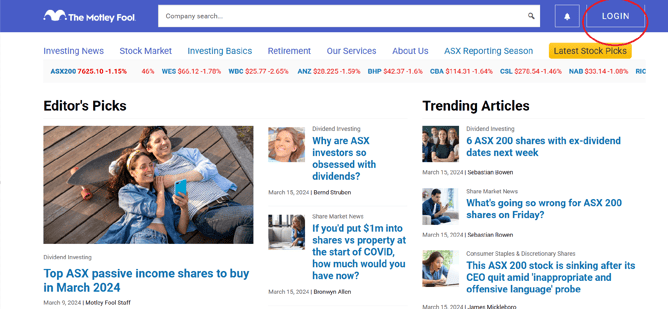
- In the web address bar (located near the top of your screen), type in www.fool.com.au and press the ‘Enter’ key. This will direct you to The Motley Fool homepage.
- In the top right-hand corner, click on LOGIN
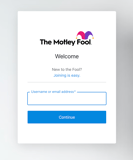
- Enter your membership email. Click continue. You will then be prompted to enter your current password or change it on the next screen.
- Once you have logged in, you'll be redirected to our Member Dashboard.
- To access the member content, please select your membership from your current Services options on the left-hand side of the screen.
- Please feel free to reach out to our Member Support team should you experience any difficulties at membersupportAU@fool.com.au
Still can't find what you're looking for?
Let us know by emailing our Member Services team at membersupportAU@fool.com.au and someone will get back to you.